SellerComm

For eBay Australia sellers

After the sale: thank buyers, follow up, and keep the ones who come back.

SellerComm is a post-sale workspace for eBay Australia. Pull paid orders, send thank-yous and follow-ups through eBay messaging, save buyers as clients, and keep a simple sales book — without treating eBay’s inbox as your only tool.

Dashboard

1 / 5

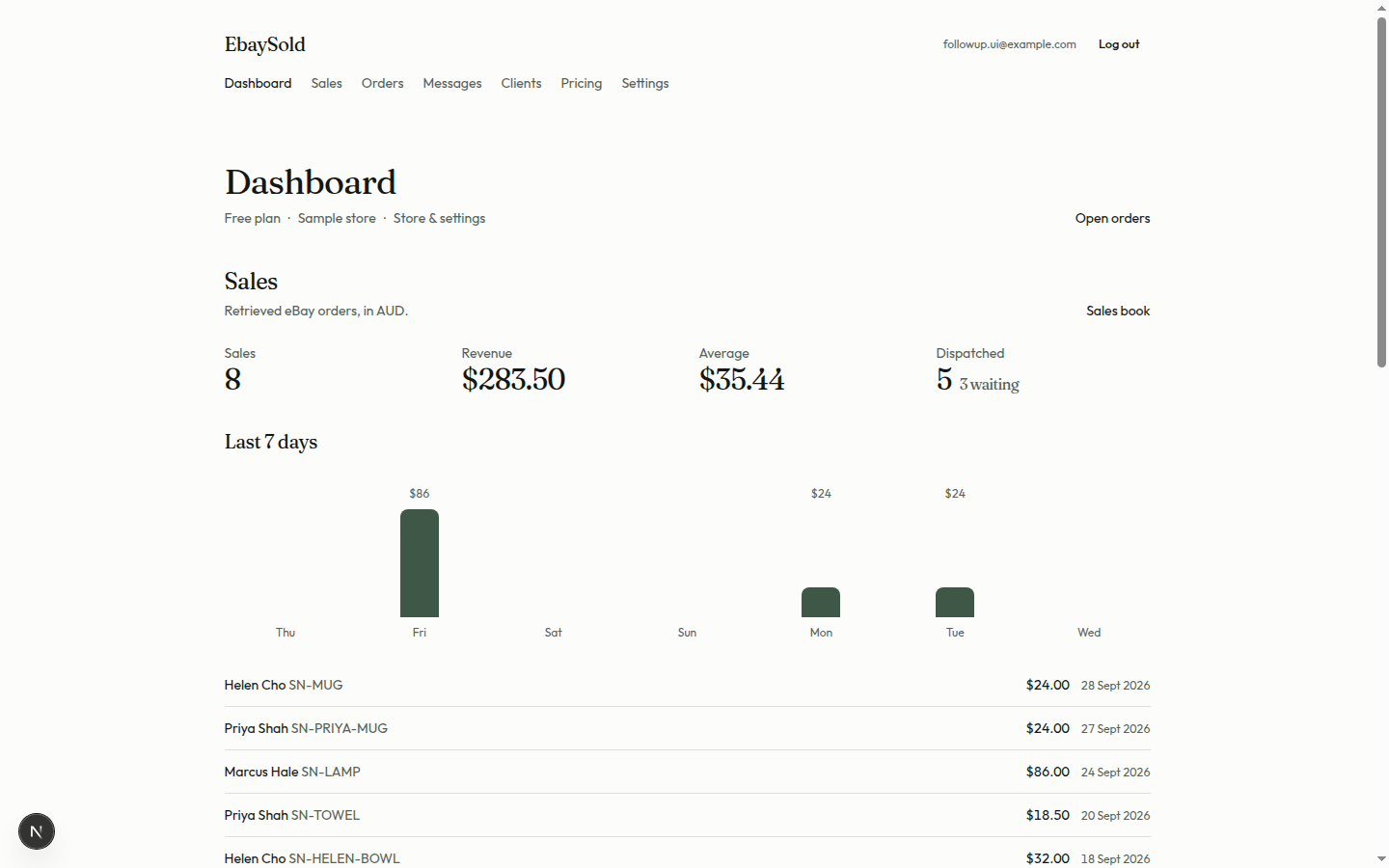
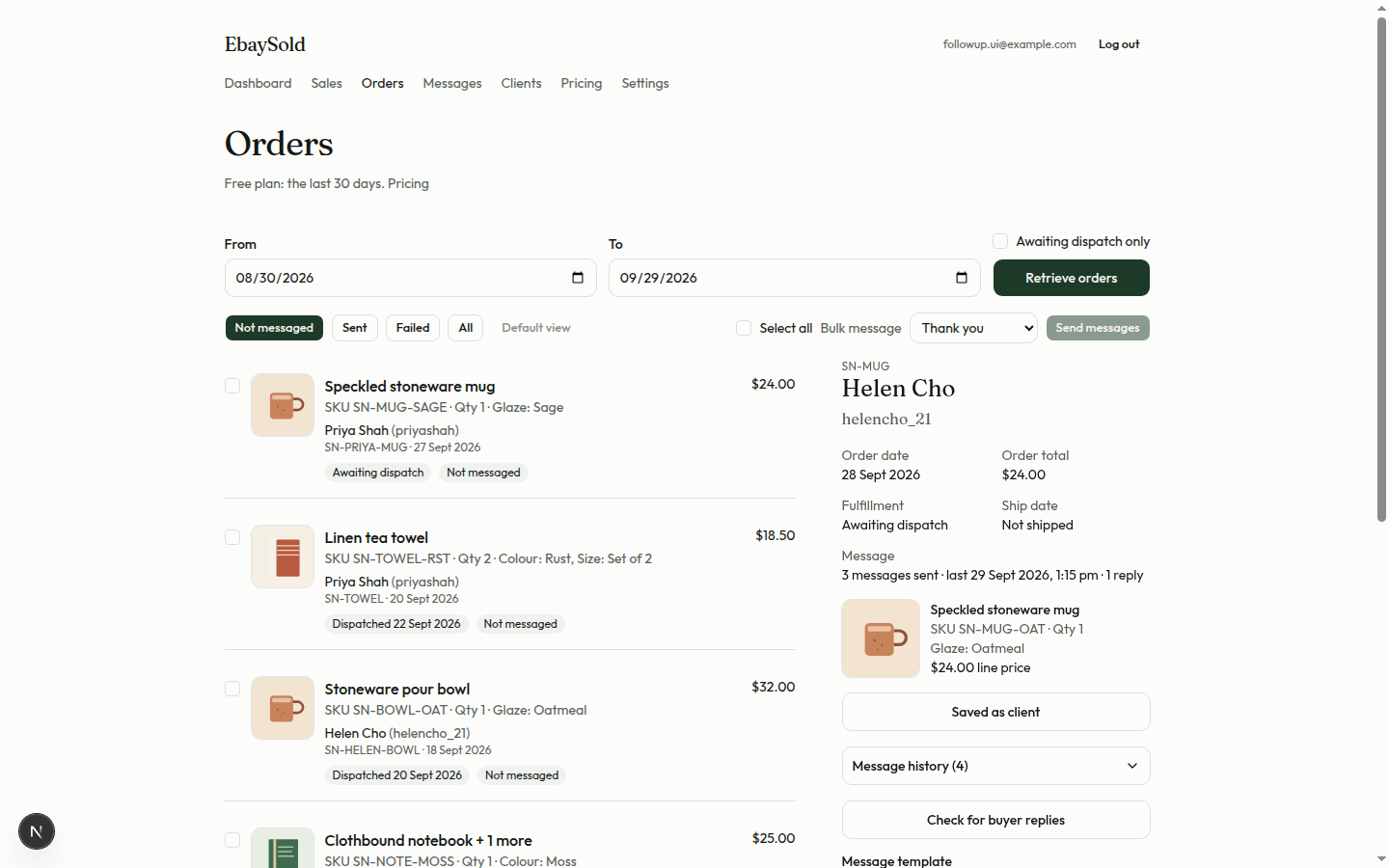
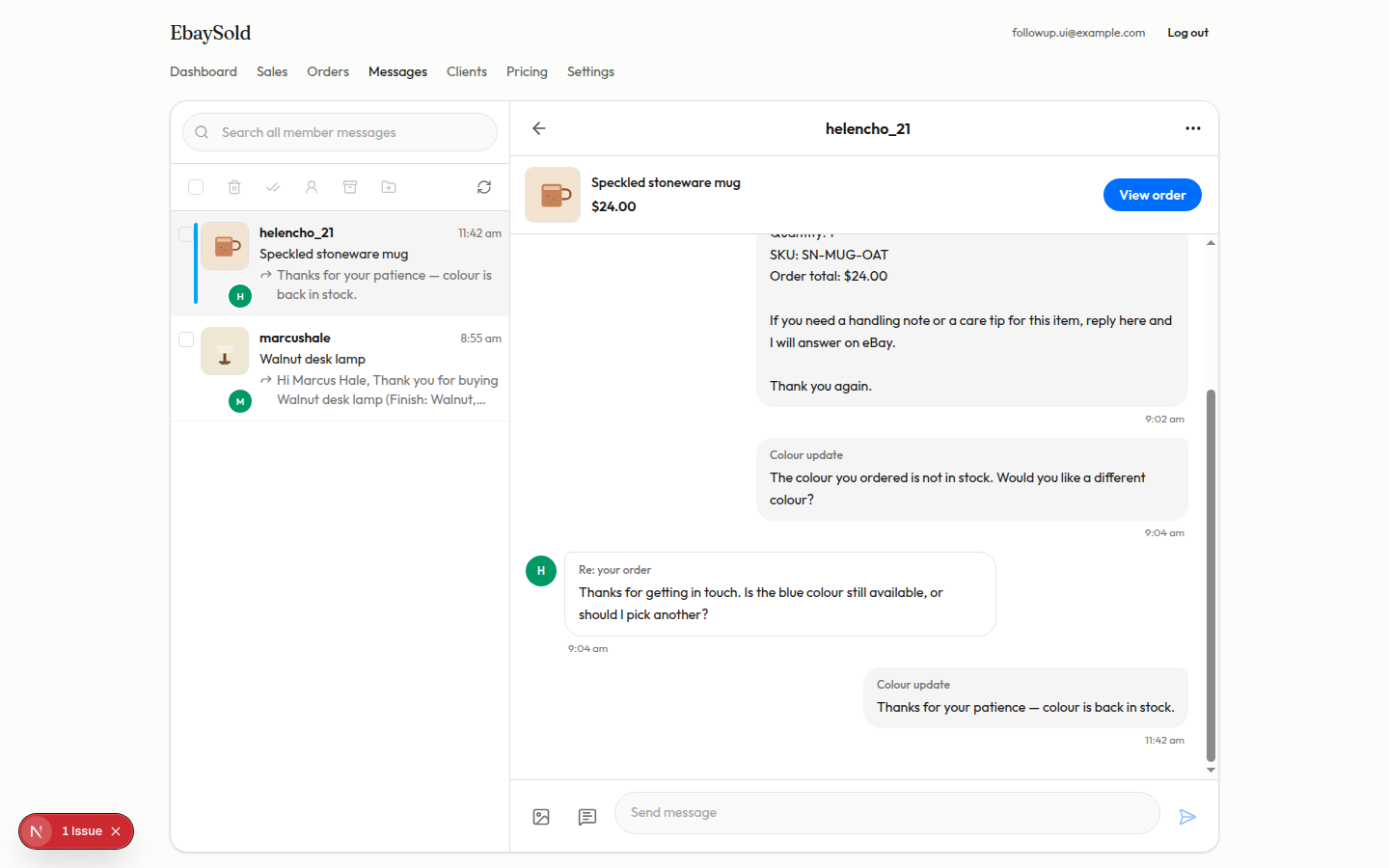
See recent messaging activity and how the store is tracking after sales.Paid eBay Australia orders in one list — thank who still needs a message.Thank-yous and follow-ups through eBay messaging, with replies in one thread.A light client list: repeat buyers stay one person across every purchase.Carrier tracking, sales totals, CSV, and tax invoices when you need them.

See recent messaging activity and how the store is tracking after sales.

What SellerComm is (and is not)

Plain answer: it is software for the work that happens after someone pays on eBay — messaging, repeat buyers, and a sales record. It is not a listing tool, and it is not a full CRM.

It is

  • A post-sale order and messaging workspace for eBay Australia sellers
  • A way to thank buyers and send follow-ups through eBay member messaging
  • A light client list so repeat buyers stay one person across purchases
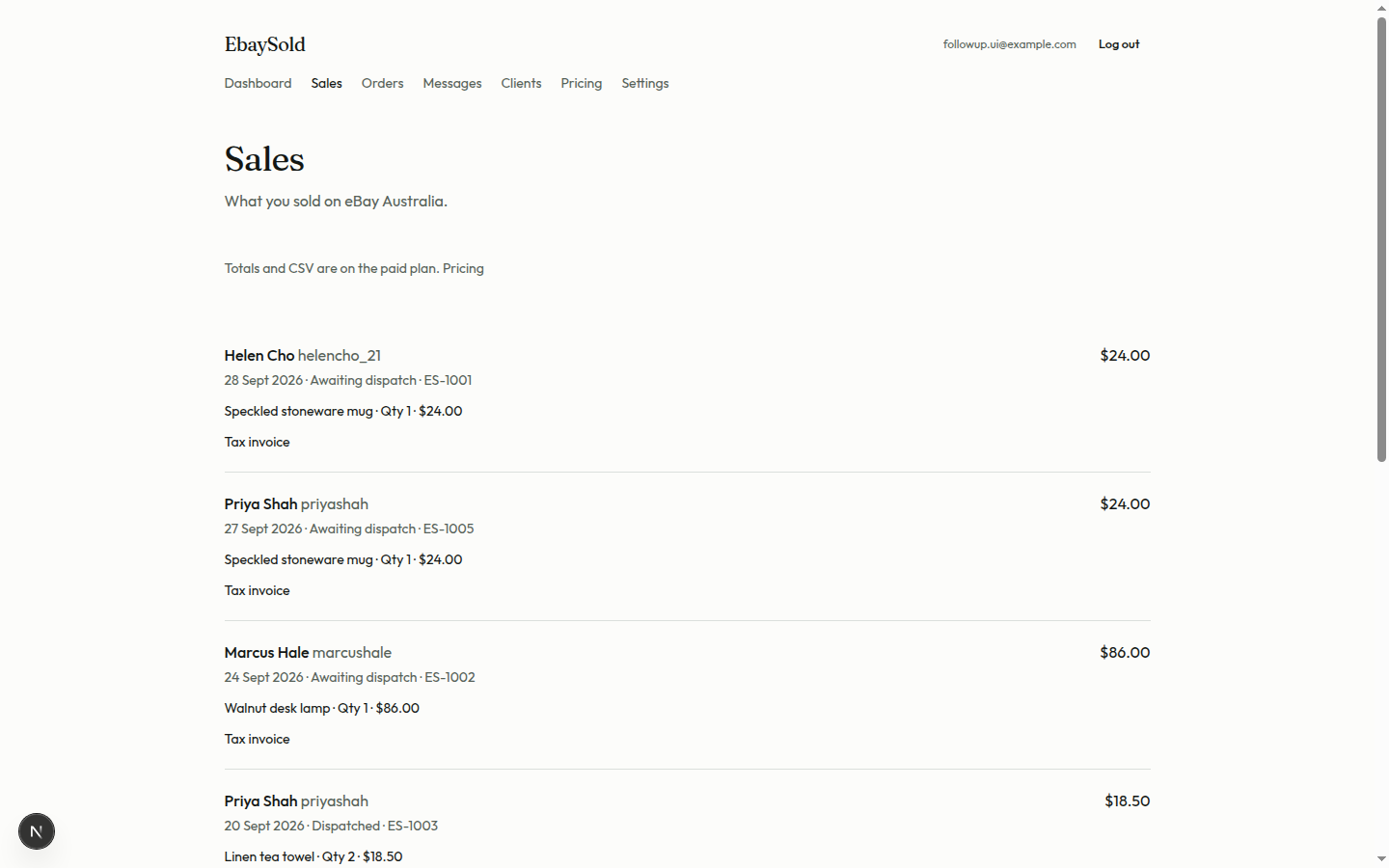
  • A simple sales book with totals and tax invoices on paid

It is not

  • A replacement for eBay Seller Hub or your listings
  • A full CRM with pipelines, email blasts, or ads
  • Automatic spam — you confirm every message before it sends
  • Off-eBay contact collection; conversations stay on eBay messaging

What you can do with it

Four jobs sellers actually need after checkout — not a vague “interface.”

  • Work from the order list

    See who bought, who still needs a thank-you, and who already got a message — then act from that list instead of hunting through eBay’s inbox.

  • Message through eBay

    Thank-yous and follow-ups go out as eBay member messages attached to the item. Nothing is sent for you; you choose the wording and confirm every send.

  • Save buyers you want back

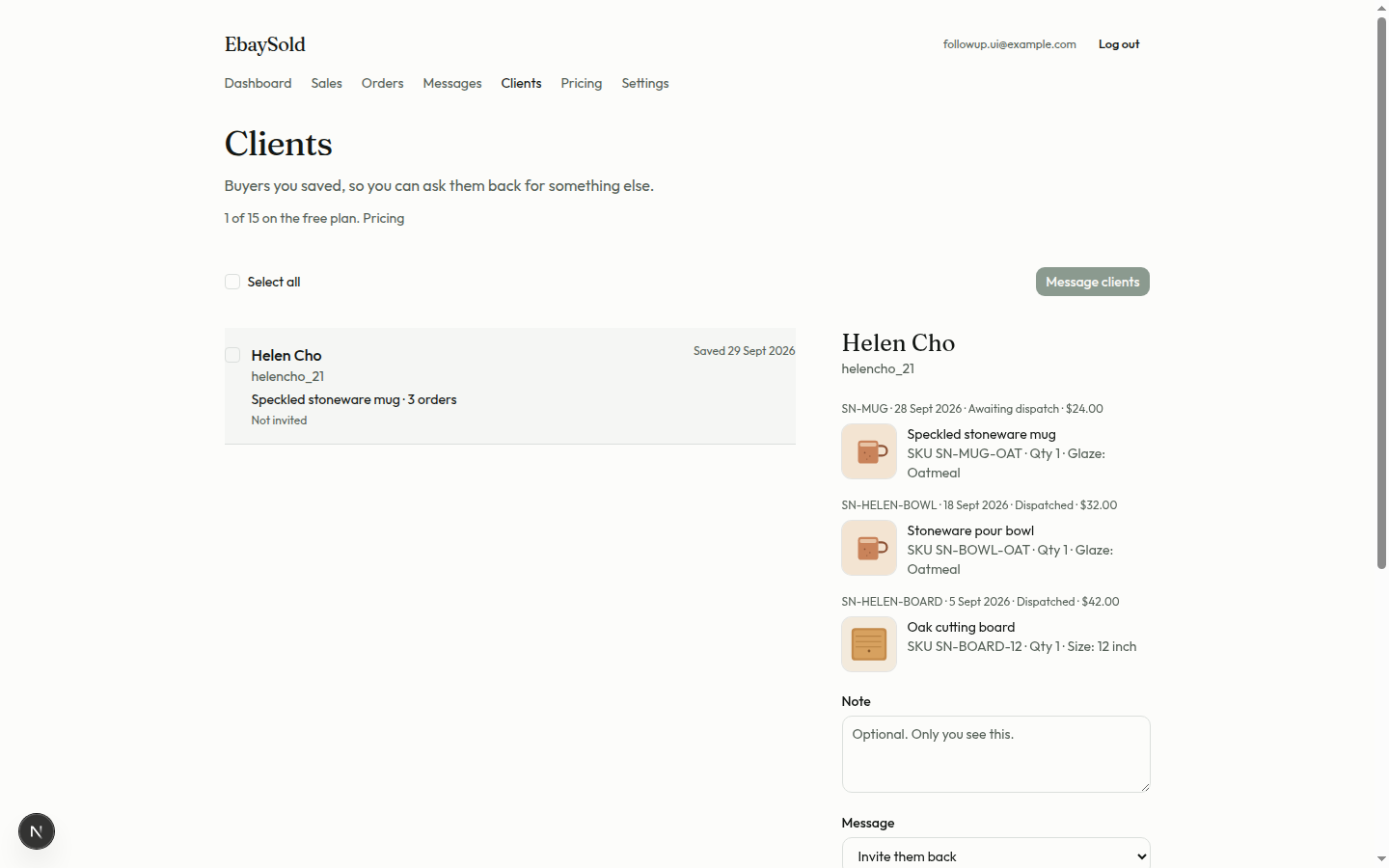
    Keep repeat buyers as clients with their purchases in one place — a light client list for sellers, not a full CRM with pipelines and campaigns.

  • Keep a simple sales book

    Totals, a CSV, and tax invoices when you need a record of what sold. Built for Australian sellers who already sell on eBay.

Why not just use eBay?

Fair question. eBay already lets you message buyers. SellerComm is for when the inbox alone is not enough to run the post-sale side of the store.

eBay’s inbox

Great for one conversation at a time. Harder when you have a stack of paid orders and need to know who still needs a thank-you or a stock note.

SellerComm

Starts from your paid orders, tracks message status per order, stores presets, keeps buyers as clients across purchases, and adds a sales book — while still sending through eBay messaging.

How it works

From first login to a thank-you sent — without guessing what the screens are for.

  1. 1

    Connect eBay (or open the sample store)

    Use your real store when you are ready, or try the sample store first with no eBay keys.

  2. 2

    Pull paid orders

    Retrieve recent sales into SellerComm so you can see items, buyers, and fulfillment in one list.

  3. 3

    Thank or follow up

    Send a thank-you after purchase, or a follow-up when colour or stock changes — with presets so you are not rewriting every note.

  4. 4

    Save clients and check sales

    Keep buyers you want to invite back, and use the sales book for totals or a tax invoice when you need one.

Pricing

Free for everyone right now — full access while we grow with Australian eBay sellers.

Open access

$0

No card. No trial clock.

  • Thank buyers and send follow-ups through eBay messaging
  • Paid orders from about the last 30 days
  • Up to 15 saved clients
  • Message presets and a sample store to try first
  • Orders older than 30 days
  • Sales totals and a CSV download
  • Tax invoices
  • As many clients as you need
Create a free account